


75% of busy service desks report that manual queues cause at least one missed request each week, a simple gap that can cost renewals and trust.
This buyer’s guide helps US-based operations leaders evaluate support ticket automation to cut delays and keep customers satisfied. It explains how modern systems intake, categorize, route, prioritize, and update status to reduce manual chaos.
Leaders will learn practical steps for software selection, rollout planning, and ROI justification, so teams can protect customer trust and avoid burnout as volumes rise.
The guide targets support operations leaders, CX heads, IT service desk managers, and fast-growing teams. It previews benefits like faster resolution, fewer dropped tickets, and more predictable management.
Key Takeaways
- Automated intake and routing reduce missed requests and delays.
- Clear routing rules and prioritization improve resolution time.
- Choose platforms that support rollout planning and ROI tracking.
- Self-service deflection lowers volumes and protects agents from burnout.
- Expected outcomes: faster cases, higher satisfaction, steadier renewals.
Why Support Teams in the United States Are Turning to Ticket Automation Now
Rising customer expectations and a wider mix of channels have pushed many American service teams past the limits of manual workflows.
Higher channel mix — email, chat, and social — means more incoming tickets from many places at once. Simultaneous messages multiply handling time and create uneven work for agents.
When volumes spike, manual triage compounds delays. Agents spend cycles sorting instead of solving, and backlogs grow faster than staff can clear. That extra time raises burnout risk and drives turnover.
When ticket volumes spike, manual triage creates delays, burnout, and churn risk
Operational strain causes knowledge loss and inconsistent case handling. Variability across shifts increases business risk and can push customers to competitors.
Why faster response and consistent resolution directly impact customer satisfaction
Consistency matters: standardized workflows and clear prioritization reduce variation across agents and shifts. Faster first response and predictable resolution improve customer satisfaction and lower churn.
- Protects service quality during spikes without immediate hiring.
- Keeps the team focused on high-impact cases.
- Reduces wasted time at triage so agents can resolve more issues.
What an Automated Ticketing System Is and What It Actually Does
Every incoming message — from email threads to social DMs — must become a traceable item or it will vanish in an agent inbox.
A buyer-friendly definition: a system that centralizes incoming requests, standardizes ticket creation, and enforces consistent handling via rules and AI. It turns conversations into trackable work and captures customer information up front.
Omnichannel intake preserves context. Messages from email, chat, and social become unified records so requests are not lost in separate inboxes. That reduces repeat questions and speeds resolution.
The platform converts free-form chat into structured information: fields, tags, priority, and customer details. This makes tracking easier and lowers back-and-forth.
Routing and assignment: rules and AI direct items by intent, urgency, sentiment, language, or customer impact. Smart routing shortens time-to-assignment and keeps the right person handling complex issues.
Auto-updates notify customers of status changes and reduce follow-up messages. Basic rules-based flows handle common paths; AI-powered systems add intent detection, auto-summarization, and suggested actions for higher maturity.
| Capability | Basic Rules | AI-Enabled |
|---|---|---|
| Intake channels | Email, chat, social | All channels + smart parsing |
| Information capture | Manual fields | Auto-filled fields from conversation |
| Routing | Keyword or SLA rules | Intent, sentiment, and impact-based routing |
| Status updates | Template-based notifications | Real-time, personalized updates |
Business Impact and ROI: What Buyers Can Expect From AI-Powered Ticketing
Buyers need a concise ROI story that links AI-driven workflows to measurable cost and service improvements. This section turns headline stats into a simple model teams can present to finance.
Adoption data points buyers can cite
Market signals show this is mainstream: 66% of small and medium organizations call automation essential. Ninety percent of CX Trendsetters report positive ROI from AI tools. And 67% of consumers say they are open to AI assistants for customer service tasks.
How AI changes volume, effort, and costs
AI can handle as much as 80% of routine interactions. That level of deflection cuts repetitive work and frees agents for complex cases, raising frontline productivity and reducing per-case costs.
- ROI narrative: lower cost per case, higher agent output, and better service outcomes without proportional headcount growth.
- Adoption proof: cite 66% SMB acceptance and 90% Trendsetter ROI to justify budget requests.
- Customer readiness: 67% willingness to use AI reduces adoption risk when deployed transparently.
| Metric | Baseline | Assumed Change |
|---|---|---|
| Ticket volume | 10,000/month | Deflection 40–80% |
| Handle time | 12 minutes | Reduction 20–40% |
| Agent productivity | Cases/day = 40 | Increase 25–50% |
Use baseline volume, current staffing costs, expected deflection, and handle-time improvements to build a simple payback model. This gives leaders a defensible path from pilot to full rollout while tracking performance and risk.
Benefits of Support Ticket Automation for Agents, Customers, and Operations
Removing routine chores from agents’ plates produces measurable improvements in speed and morale. Operational benefits appear as faster response and fewer manual steps that slow work down.
Customer-facing response time improves substantially — first replies can be 37% faster and final resolution can accelerate by 52%. Those gains cut repeat contacts and directly raise customer satisfaction by reducing uncertainty.

- Efficiency: fewer clerical tasks and faster routing so agents resolve more cases per hour.
- Experience: instant answers for common questions and smarter prioritization for high-impact customers.
- Accuracy: automated intake and tagging reduce human error and prevent items from slipping through the cracks.
- Satisfaction: agents report higher morale when repetitive tasks decline and work is more meaningful.
| Metric | Baseline | Expected Change |
|---|---|---|
| First response | Baseline time | ~37% faster |
| Resolution | Baseline time | ~52% faster |
| Agent capacity | Cases/day | Increase 25–50% |
Scalability follows from consistent workflows and deflection. With fewer manual tasks and clearer SLAs, teams handle more volume without losing service quality.
What Buyers Can Simplify With Ticket Automation Across Support and Service Desks
Buyers can simplify many day-to-day service workflows by applying rule-driven intake and unified routing across both customer and internal requests.
Customer support and internal service requests (HR, IT, onboarding)
Expand scope: this approach covers customer-facing support and internal desks such as IT help, HR queries, onboarding, and access requests. Centralizing intake treats all work as traceable requests the system can manage.
Ticket tracking, SLA adherence, and proactive status communication
Auto-creation from messages, form-based intake, and rule routing reduce manual steps. That improves tracking and makes SLAs easier to meet.
Proactive updates — automated reminders and status notices cut “any update?” follow-ups and free teams to focus on resolution.
- Auto-create requests from email or chat and route them to the right team.
- Standardize intake fields so agents get context upfront.
- Enforce SLA rules with escalations and timed reminders.
| Use Case | What the system does | Business benefit |
|---|---|---|
| IT help desk | Auto-create request, assign by skill | Faster restores, less downtime |
| HR inquiries | Form intake, prioritized routing | Consistent onboarding, fewer delays |
| Customer issues | Unified channel capture, status updates | Better transparency, fewer escalations |
Core Features to Look for in Automated Ticketing Software
Choosing the right software means mapping features to measurable outcomes: faster handling, fewer escalations, clearer visibility, and safer use of AI. The list below helps buyers compare platform capabilities and expected business results.
Workflow automation and intelligent triage
Look for rules plus AI that classify by intent, sentiment, and language. This combination reduces manual sorting and routes work to the right agent fast.
Omnichannel unified workspace
A single agent workspace for email, chat, social, and voice preserves context and prevents duplicate entries. Agents see full conversation history in one pane.
AI agents and deflection
AI agents should resolve FAQs, collect missing information, and run 24/7 to lower volume before human handoff.
AI copilots for faster handling
Copilots that summarize threads, draft replies, suggest fixes, and surface similar cases let agents move faster with fewer errors.
Knowledge base tooling
Tools that turn notes into articles, improve search, and recommend content increase self-service success and speed content creation.
Reporting, analytics, and insights
Robust reporting tracks performance, trends, and next automation opportunities using ticket data and interaction metrics.
Workforce management and quality assurance
Forecasting, schedule adherence, and quality scoring help leaders staff correctly and coach agents where outcomes lag.
- Buyer checklist: map each feature to outcomes—faster handling, fewer escalations, better visibility, and safe AI behavior.
- Prioritize platforms with clear reporting and built-in WFM/QA to scale reliably.
| Feature | What it does | Business outcome |
|---|---|---|
| Intelligent triage | Classifies intent, sentiment, language | Reduced routing time, fewer misassignments |
| AI copilot | Summaries, replies, surfacing similar items | Faster agent throughput, fewer errors |
| Knowledge tooling | Auto-create articles, smarter search | Higher self-service rates, lower volume |
Ticket Routing and Workflow Rules That Make or Break Results
A finely tuned routing strategy is often the single biggest factor in faster resolution and lower backlog. Even the best platform underdelivers without clear routing rules that match business needs.
Skills-based and round-robin assignment
Skills-based assignment matches ticket type and complexity to agent expertise. This reduces reassignments and raises first-contact resolution.
Round-robin routing balances load across the team. It protects response time during peaks and prevents bottlenecks on popular agents.
Auto-escalations, reminders, and SLA triggers
Auto-escalation rules route cases by urgency, time-to-SLA, or customer impact so issues reach the right authority fast.
Reminders nudge agents on dormant tickets and send warnings before breaches. These triggers cut SLA violations and shorten overall time to close.
Auto-tagging for tracking, reporting, and insights
Auto-tagging applies consistent labels from keywords like “Google” or “Gmail” to improve tracking and reporting.
Consistent tags make it easier to spot repeat themes and prioritize future rules or knowledge base articles.
- Start small: deploy a limited set of rules, measure outcomes, then expand complexity.
- Validate often: track reassignments, SLA breaches, and agent load to tune routing.
- Iterate: use tags and reports to find new automation opportunities and reduce manual steps.
| Capability | What it prevents | Business result |
|---|---|---|
| Skills-based routing | Unnecessary reassignments | Higher first-contact resolution |
| Round-robin | Agent overload | Improved response time |
| Auto-escalation & reminders | SLA breaches | Fewer violations, faster resolution |
| Auto-tagging | Inconsistent tracking | Better reporting and insights |
How to Choose the Right Platform: A Buyer’s Evaluation Checklist
A practical evaluation framework turns vendor demos into a direct comparison of features and costs. Buyers gain confidence when they test real workflows, not just slides.
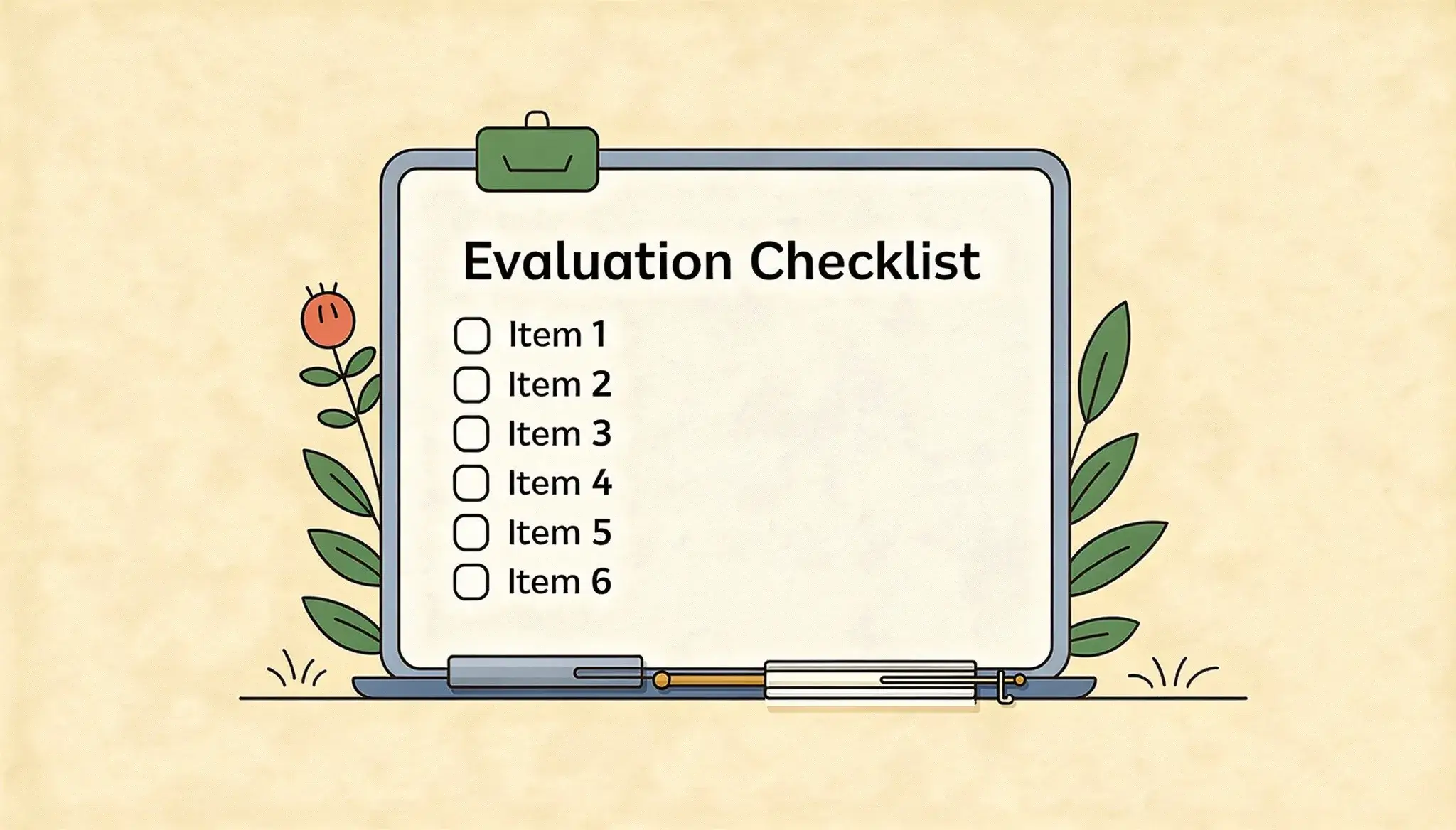
Time to value & total cost of ownership: Measure how quickly the team can configure routing, SLAs, fields, and reporting. Compare licensing, AI add-ons, implementation, integration, and ongoing management fees.
AI maturity and governance: Validate deflection rates, accuracy, audit logs, and safety controls. Ask for governance features suitable for regulated data and proof-of-value on real volumes.
- Cross-team routing: Confirm workflows to route product bugs to engineering with traceability and shared visibility.
- Integrations: Ensure native connectors for email, Slack, CRM, and dev tools to reduce context switching.
- Scalability: Verify the platform can handle multi-team operations, multiple brands, and rising volumes without performance loss.
- Security: Require role-based access controls, permissioning, and least-privilege models to protect sensitive data.
| Checklist item | Vendor question | Proof-of-value |
|---|---|---|
| Time to value | How long to configure core flows? | Pilot with live email load for 2–4 weeks |
| AI maturity | What deflection and accuracy metrics exist? | Run a blind sample on historical cases |
| Integrations | Are connectors pre-built for CRM and dev tools? | Demo bi-directional sync with a test account |
Top Automated Ticketing Software to Compare
Comparing leading vendors helps buyers match capabilities to team size, channel mix, and AI maturity.
Comparison framework: choose by company size, channel mix, internal vs external focus, and AI maturity. Use pilot trials to validate deflection, routing accuracy, and reporting before full rollout.
Vendor snapshots
DevRev: AI-native approach that links product, engineering, and support to reduce lost feature requests and surface bugs to dev teams.
Help Scout: shared inbox style with AI drafts and summaries, plus a built-in Docs knowledge base for self-service.
Spiceworks Cloud Help Desk: free IT-focused entry point with reporting and Power BI exports for teams on tight budgets.
GrooveHQ: email-like shared inbox and KB to lower inbound volume for growing teams.
Zendesk: CX-first platform with intelligent triage and claims of up to 80% interaction handling depending on setup.
Zoho Desk: omnichannel intake with auto-tagging, sentiment analysis, and multilingual workflows.
SysAid: ITSM system with a generative AI copilot and integrated asset management for faster restores.
HappyFox: strong rules, branded SEO-ready portals, and consistent self-service paths.
Freshdesk: unified workspace with routing, SLA management, and KB tools for standardizing operations.
Hiver: turns Gmail into a help desk with workflow rules and AI assistance.
Jira Service Management: ITSM and DevOps collaboration that ties incidents and changes into engineering workflows.
TeamSupport: B2B-focused system with customer health analytics and churn-risk signals to prioritize high-impact cases.
| Best fit | Strength | Ideal buyer |
|---|---|---|
| DevRev / Zendesk | AI triage, product + ops link | Mid-large CX teams with engineering ties |
| Help Scout / GrooveHQ / Hiver | Simple shared inbox + KB | Small teams that prefer email-native workflows |
| Spiceworks / SysAid / Jira | ITSM and asset tracking | IT and internal service teams |
| Freshdesk / HappyFox / TeamSupport | Unified workspace, portals, analytics | Growing support organizations standardizing operations |
Implementation Roadmap: How to Roll Out Ticket Automation Without Disrupting Service
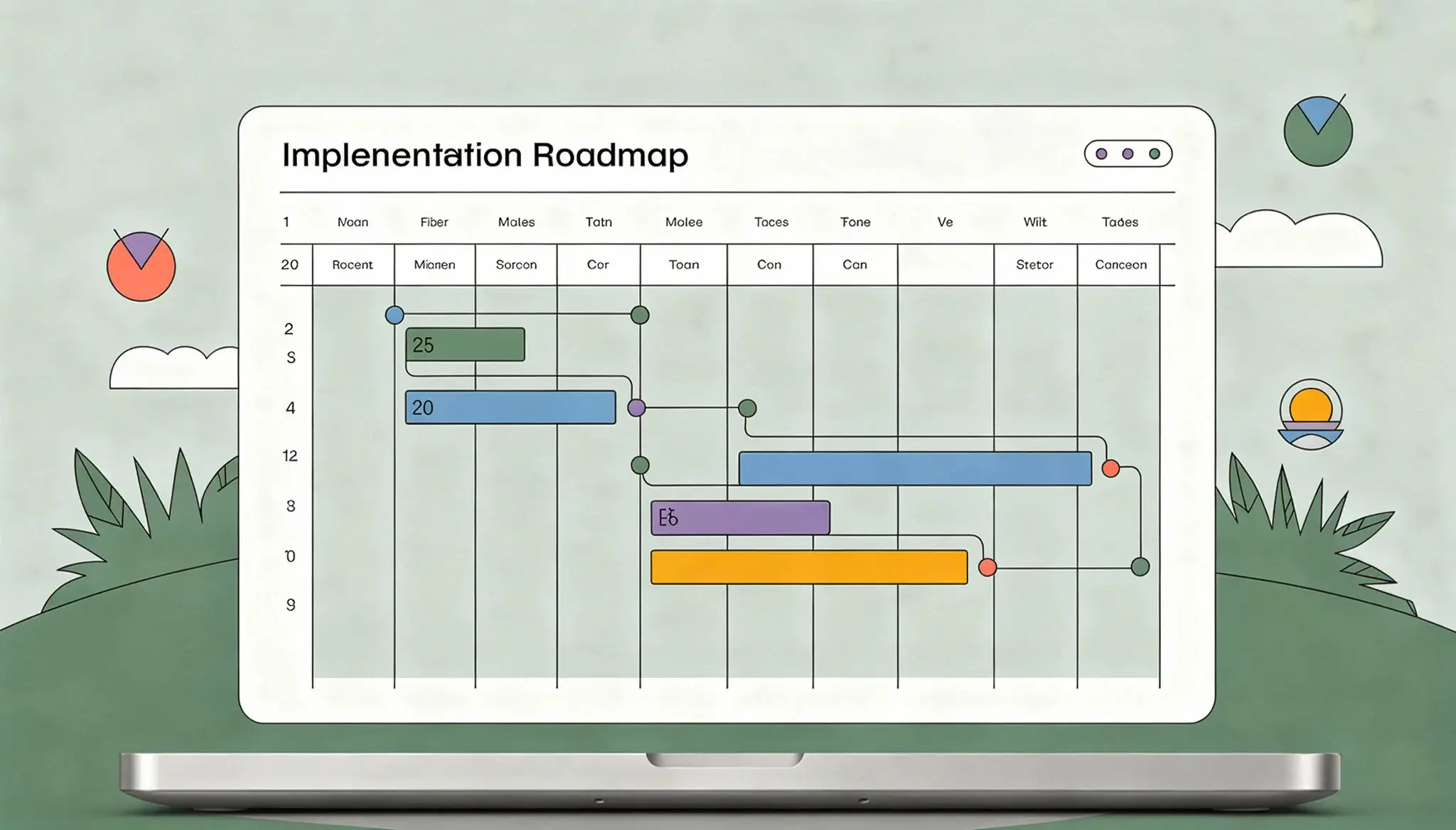
Begin where volume and repeatability meet: that combination yields the fastest wins. A phased rollout protects service continuity while the team tunes rules and measures impact.
Use historical data to choose first automations
Analyze past cases to find high-volume categories and repetitive tasks that take the most agent time. Prioritize items that deliver quick time savings and fewer escalations.
Set goals, SLAs, and configure workflows
Translate findings into clear goals such as reducing first response time by a set percentage. Then configure triggers, standardized fields, routing rules, and SLA alerts so the process is explainable and measurable.
Launch self-service and integrate channels
Deploy a knowledge base, canned responses, and AI agents to collect required information or deflect common requests. Integrate email and collaboration tools where agents already work to capture requests without forcing behavior change.
Monitor, iterate, expand
Run a pilot, then expand only after validating deflection, accuracy, and agent feedback. Review metrics weekly—deflection, escalations, and SLA breaches—and refine rules and content.
- Phased plan: pilot → expand → optimize.
- Start with data: target high-volume, repeatable processes.
- Standards: configure fields and triggers for reliable routing.
- Parallel self-service: KB, canned replies, and AI agents cut load.
- Continuous review: iterate based on agent and customer feedback.
| Phase | Focus | Success measure |
|---|---|---|
| Pilot | High-volume, repeatable requests | Reduced first response time |
| Expand | Additional categories and channels | Lower agent handling time |
| Optimize | Fine-tune rules and KB | Stable SLA performance |
Risks of Over-Automation and How to Avoid a Poor Customer Experience
Over-using bots and rigid rules turns fast service into a brittle experience that fails when situations are nuanced. Teams must balance efficiency with human judgment so customers with complex problems do not get stuck.
Where human judgment and empathy must stay in the loop
Some cases demand a human touch. Escalations that include billing disputes, security concerns, accessibility needs, or high account risk require immediate human review.
Keep agents available for nuanced troubleshooting and when emotional context matters. This protects customer trust and prevents errors.
How to prevent robotic responses and ensure a clear path to an agent
Design visible escalation options so customers can ask for a person. Fast handoffs must preserve conversation context to avoid repeated questions and frustration.
- Clear route to a human: show an agent option in channel flows and avoid dead-end loops.
- Guardrails for AI: define when automated replies stop, when clarifying questions run, and when to escalate immediately.
- Quality checks: sample automated exchanges, monitor outcomes, and roll back flows that increase problems.
| Risk | Trigger | Mitigation |
|---|---|---|
| Loss of empathy | Only scripted replies | Fast human handoff |
| Misrouted issues | Rigid rules | Hybrid review rules |
| Skill erosion | Too many bot resolutions | Agent coaching & samples |
Balanced approach wins: use automation to remove friction, not to remove accountability. Monitor quality, keep a clear path to an agent, and tune rules so customers get timely, empathetic solutions.
How to Measure Success: Reporting, Insights, and Continuous Improvement
Metrics are the compass that guides continuous improvement across workflows and teams.
Define measurement as an operational discipline. Run ongoing reporting rather than one-off checks. Make weekly dashboards and monthly reviews the norm so data drives decisions.

Operational metrics to watch
- Ticket volumes by channel and category to spot growth areas.
- First response time and overall resolution time by priority.
- Backlog aging and SLA performance to protect service levels.
Quality metrics to include
- Customer satisfaction trends and survey results.
- Consistency of outcomes across agents and shifts.
- Churn-risk signals and grouped issue clusters from analytics.
Separate speed from quality: faster response should not raise reopen rates or repeat issues. Use reopen and escalation rates as quality checks.
Use analytics to set the next roadmap. Cluster similar issues, rank by volume and cost, and prioritize automations that cut the most effort or risk.
| Routine | Cadence | Goal |
|---|---|---|
| Performance review | Weekly | Spot trends and SLA risks |
| QA sampling | Monthly | Maintain outcome consistency |
| Roadmap update | Quarterly | Prioritize next automations |
Finally, map efficiency gains to staffing: use reduced handling time to reforecast headcount, justify hires, or move agents to higher-value work.
Conclusion
Conclusion: Leaders should pick a measured approach that improves speed, consistency, and accountability without risking customer trust. A clear plan aligns capture → route → resolve → report → improve and keeps teams focused on outcomes.
Practical benefits include fewer repetitive tasks for agents, fewer missed tickets, better customer satisfaction, and more scalable operations. Start with high-volume, low-risk changes and expand using data-driven learnings.
Shortlist vendors by routing quality, AI maturity, integrations, reporting, security, and time to value. Keep visible escalation paths so humans handle complex cases and the system amplifies team impact over time.