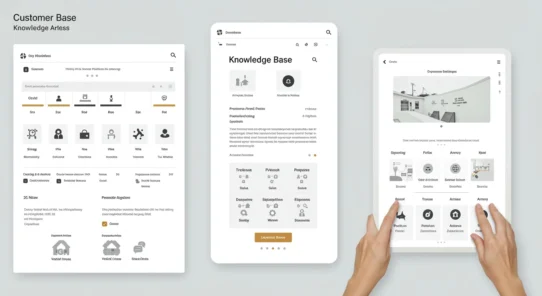


60% of startups report faster deal cycles after a month using a simple contact system, a shift that can change revenue forecasts overnight.
The article defines Best CRM for startups as tools with fast setup, visible value in weeks, and a clear path to scale without forced migration. It compares options by real revenue impact: pipeline clarity, follow-up consistency, and retention-driven personalization.
Modern platforms are not enterprise-only. Many offer free plans, trials, and starter suites so small teams gain productivity and stronger customer ties right away.
This guide helps founder-led teams and lean sales or service groups shortlist a platform that fits stage, budget, and go-to-market needs today while supporting growth tomorrow.
Expect clear categories: all-in-one platforms, free-first options, sales-focused tools, customization-led suites, and communication-first systems. Picking the wrong tool creates tool sprawl, broken processes, and reporting gaps that slow a business.
Why CRMs Matter for Startup Growth
When teams stop relying on memory and start using shared customer data, operational risk drops fast.
About 80% of new U.S. businesses survive year one, but only 50% make it to year five. That gap shows why a simple, repeatable system matters. A central system turns follow-up and service into processes, not guesswork.
How a CRM reduces operational and revenue risk
Repeatable follow-up increases conversion by ensuring leads are contacted consistently. Deal tracking prevents lost opportunities and improves forecasting by keeping pipelines clean.
Founder-led sales and building repeatable processes
Founders often lead enterprise sales until they reach about $5M ARR. A shared tool helps them document pitches, hand off accounts, and scale without hiring a large ops team.
Turning personalization into retention
Almost two-thirds of customers expect brands to adapt experiences and 71% want personalization. Segmentation and interaction history let teams send relevant offers and keep customers longer.
| Metric | Early Investment | Short-term Impact | Expected Result (12 months) |
|---|---|---|---|
| Lead follow-up | Low setup time | Higher conversion | 5–15% sales uplift |
| Pipeline hygiene | Weekly updates | Better forecasting | Reduced forecast error |
| Segmentation & personalization | Customer data centralization | Improved retention | Lower churn, higher LTV |
Practical takeaway: the best crm is one a startup can adopt fast, use daily, and scale without breaking governance. The next section explains what to expect from day one.
What a Startup CRM Should Do From Day One
Day one needs are simple: bring contact lists together, set clear pipeline stages, and start logging interactions.
Connect your customer data across systems for a unified view
Centralized customer data means every team sees the same record. This reduces duplicate outreach and prevents conflicting responses across channels.
When tools multiply, a single profile keeps lifetime value and next-best actions visible.
Manage the full lifecycle from lead to repeat purchase
The system must capture leads, convert contacts to deals, support onboarding, and enable repeat marketing. That is lifecycle management in practice.
- Import contacts and enforce naming conventions.
- Define pipeline stages and ownership fields.
- Log interactions automatically and create next-step tasks.
Keep teams aligned with a shared view of interactions and tasks
Shared visibility into interactions and tasks keeps founders, sales, and service synchronized. This matters most in remote and hybrid teams across the U.S.
Alignment looks like one timeline for emails/calls/SMS, clear ownership, and measurable next steps that move deals forward.
| Alignment Element | Why it matters | Day-one setup |
|---|---|---|
| Single interaction timeline | Prevents duplicated outreach | Auto-log emails and calls |
| Ownership fields | Clear accountability | Assign owner on import |
| Next-step tasks | Keeps pipeline moving | Create task templates per stage |
Operational discipline early prevents costly migrations and reporting gaps later. Features only matter if teams use them daily and can measure impact on pipeline and retention.
Best CRM for startups: Evaluation Criteria That Actually Impacts Revenue
Measure a platform by speed to value: how fast it reduces manual work and improves conversion. The rubric should reward adoption likelihood and clear revenue visibility, not an exhaustive feature list.
Ease of use and fast setup without developer support
Look for guided imports, templates, and setup wizards so non-technical teams can start. Ease use matters: less admin means faster adoption and fewer implementation costs.
Lead management and sales pipeline visibility for forecasting
Good lead management captures, qualifies, and routes leads. Visual sales pipeline views and activity reminders support weekly forecasting calls.
Automation for follow-ups, lead routing, and workflow consistency
Automation removes repetitive tasks: follow-up sequences, routing rules, and auto-task creation prevent dropped prospects and uneven service.
Reporting, analytics, and integrations
Robust reporting and analytics show conversion by stage, rep performance, and cohort retention. Integrations tie email, calendar, calling, and accounting to cut tech-stack costs.
Scalability, governance, and support
Permissions, audit trails, and data integrity controls matter as the business grows. Responsive support, training academies, and trial periods keep user adoption high.
| Metric | Why it matters | What to check |
|---|---|---|
| Speed to value | Early wins drive buy-in | Setup time, templates, trial length |
| Forecast accuracy | Better decisions, less risk | Pipeline views, activity logging |
| Operational cost | Lower tool overlap | Integrations, automation rules |
| Governance | Trust and compliance | Roles, audit logs, data controls |
Quick Comparison: Startup-Friendly CRM Options at a Glance
A clear, scannable side-by-side makes choosing a tool faster for busy founders.
Entry snapshot: below are practical notes on entry pricing, free plans, trial length, and which teams gain the most value.
Free plans, trials, and entry pricing to watch
- HubSpot — free plan available; 14-day trials on paid hubs; HubSpot for Startups discounts up to 90% when eligible. Good for fast pipeline setup and shared inbox.
- Zoho — starts at $14/user/month; free tier up to 3 users; 15-day trial. Strong at customization and multichannel engagement but has a learning curve.
- Pipedrive — from about $12.50/user/month; 14-day trial. Focused on visual pipeline and quick usability; advanced automation needs higher tiers.
- Salesforce — starts at $25/user/month; 14-day trial. Suited to long-term scaling across sales, service, and marketing with deep governance and ecosystem.
Best fits by primary use case
Sales-led pipeline: Pipedrive and HubSpot shine for rapid deal prioritization and simple follow-up.
Automation & scale: Salesforce is ideal when governance, integrations, and automation become critical.
Customization & multichannel: Zoho supports tailored workflows and unified customer engagement.
All-in-one with low admin time: HubSpot offers an easy path from free to paid hubs for growing teams.
| Platform | Entry pricing | Free plan / trial | Who it fits |
|---|---|---|---|
| HubSpot | Free → paid tiers | Free plan; 14-day trial | Lean teams needing pipeline, shared inbox, simple reporting |
| Zoho | $14/user/month | Free up to 3 users; 15-day trial | Teams that need customization and multichannel engagement |
| Pipedrive | ≈ $12.50/user/month | 14-day trial | Sales-led teams focused on visual deal tracking |
| Salesforce | $25/user/month | 14-day trial | Startups planning one platform for sales, service, and marketing |
How to choose: match the platform to workflow — sales-led pipeline, communication-focused customer service, or customization-heavy processes. Prioritize tools that save time and keep leads and email workflows visible across small teams.
Best Overall for Scaling: Salesforce (Starter Suite, Pro Suite, and Essentials)
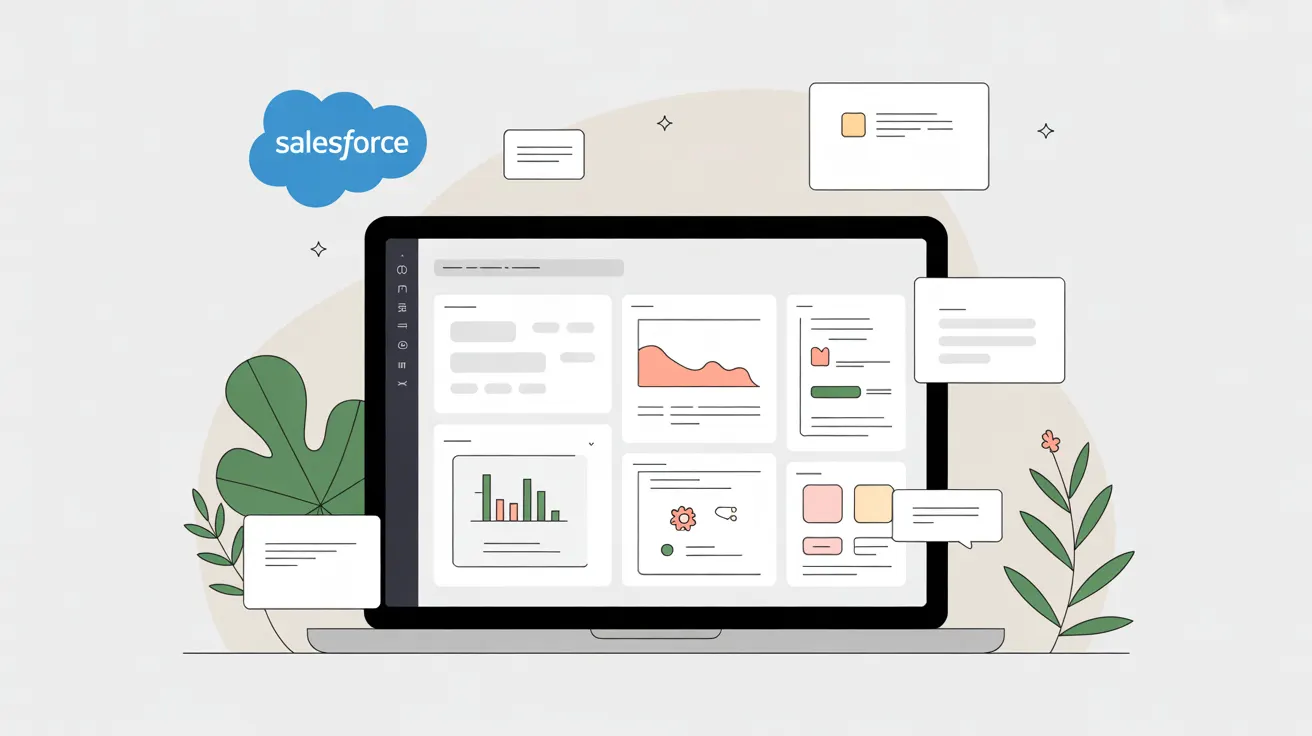
Salesforce offers a single, extensible ecosystem that grows with a business from first hires to hundreds of users. It unifies sales, service, and marketing so teams avoid tool sprawl as they add channels and headcount.
Why it works across sales, service, and marketing
One ecosystem: Starter Suite delivers fast setup for early operations. Pro Suite adds customization, deeper automation, and advanced features when workflows get complex.
Growth readiness: customization, automation, and integrations
Scale-ready building blocks include custom objects and fields, workflow automation, and a mature app marketplace. Common integrations that matter to U.S. teams include Zapier, DocuSign, and ActiveCampaign.
Pricing, trials, governance, and admin reality
Essentials can be a lower-cost entry point. Paid tiers commonly start near $25/user/month with 14-day trials, though exact pricing varies by suite and market.
| Area | What to expect | Startup impact |
|---|---|---|
| Setup | Starter Suite templates | Quick time-to-value |
| Customization | Custom objects & workflows | Fits complex processes |
| Integrations | Zapier, DocuSign, ActiveCampaign | Less replatforming risk |
| Governance | Roles, audit logs, data models | Trusted reporting and AI readiness |
Realistic note: Salesforce reduces rework later but can require more admin and configuration discipline than lightweight tools. Confirm current plan details and support options before committing.
Best Free-First CRM: HubSpot CRM
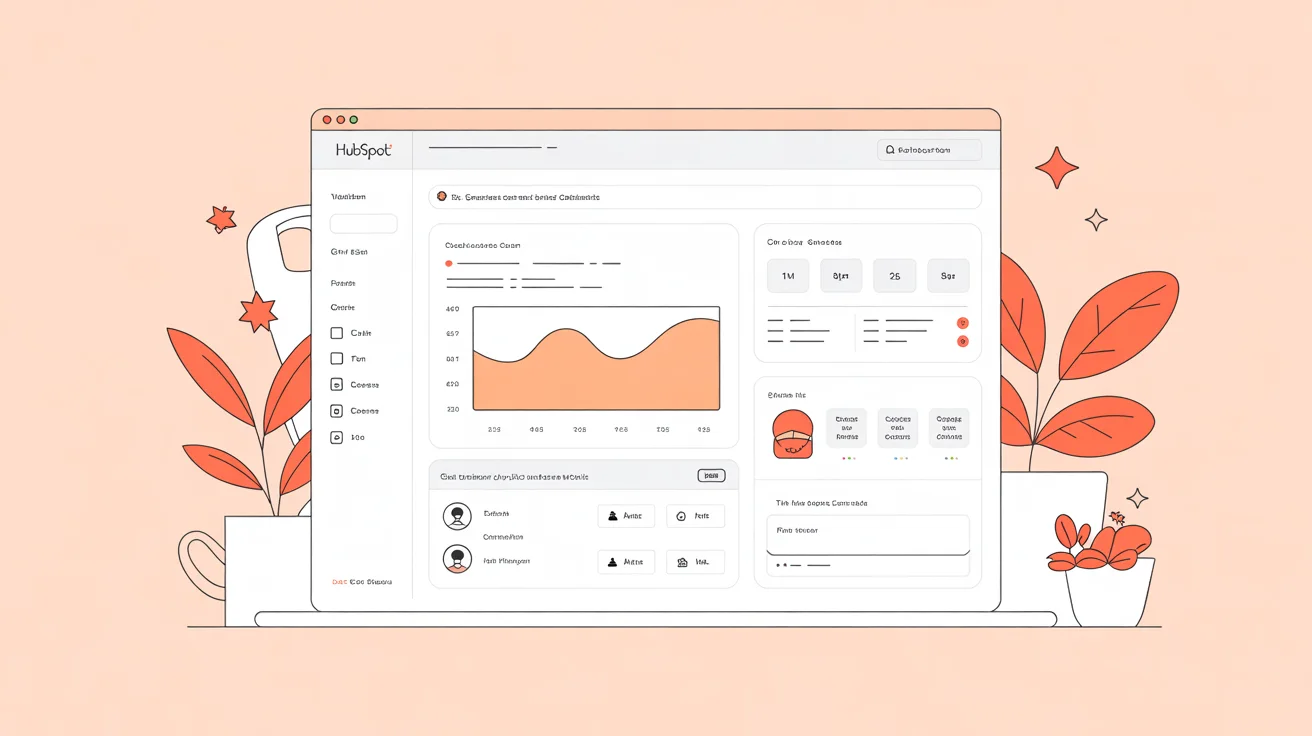
HubSpot’s free tier lets teams begin tracking customer activity and leads with almost no setup. It combines deal tracking, a shared inbox, basic dashboards, live chat, and contact records in one easy package.
What startups can do with the free tools
Pipeline tracking is visual and quick to start. A shared inbox speeds response to email and chat so customer messages do not slip through the cracks.
Basic reporting and contact/company profiles give early analytics to measure conversion and velocity without cost.
How discounts reduce early-stage costs
HubSpot for Startups offers eligible ventures steep discounts—sometimes up to 90%—making paid hubs affordable sooner. The platform also integrates with 300+ apps to reduce tool sprawl.
When to upgrade
Move to paid hubs when the team needs complex automation, advanced reporting, role-based permissions, or multi-hub workflows. Note the free plan lacks phone support and costs grow as users and features scale.
| Feature | Free plan | Paid upgrade |
|---|---|---|
| Pipeline & deal tracking | Included | Advanced automation |
| Shared inbox & email | Included (limited) | Unified team routing |
| Reporting & analytics | Dashboards | Custom reports, attribution |
| Integrations | 300+ available | Premium app marketplace |
Adoption tips: keep customer data clean, define lifecycle stages, and standardize pipeline definitions. Upgrade when manual follow-ups and inconsistent lead handoffs begin to slow conversion or response times.
Best for Sales Pipeline Simplicity: Pipedrive
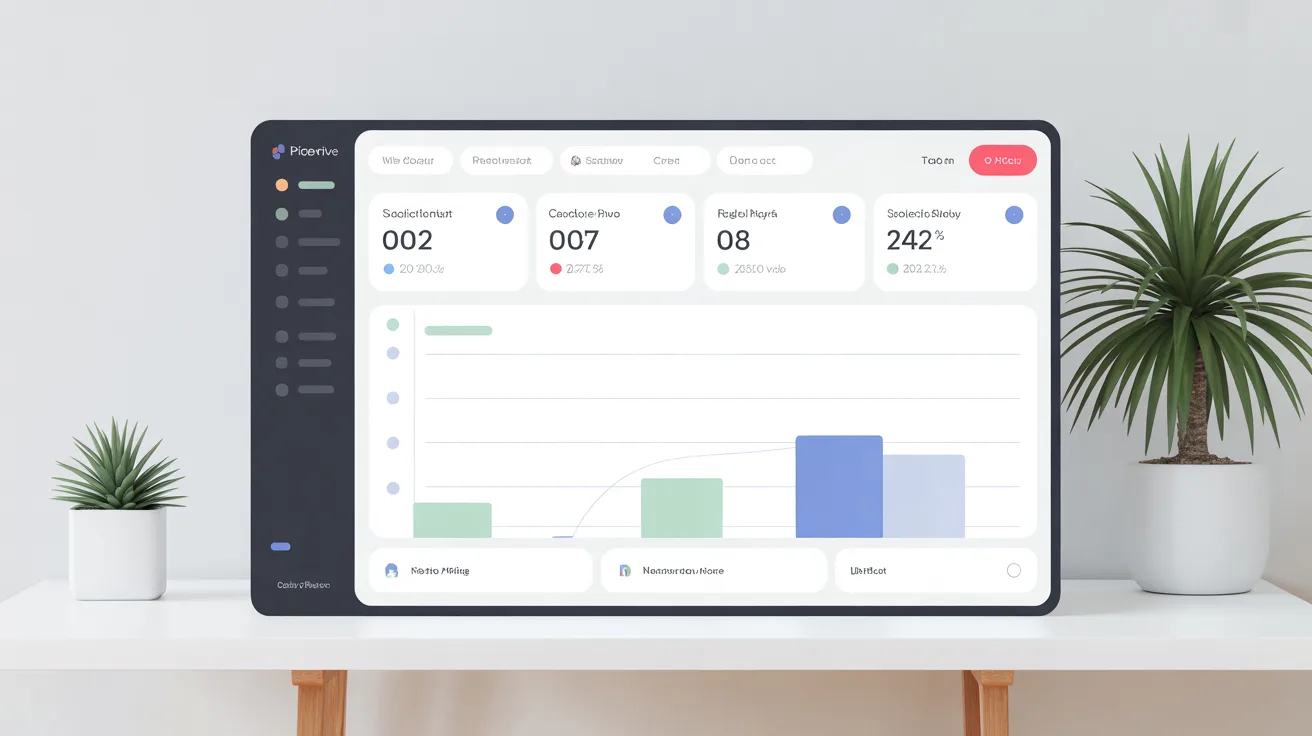
Pipedrive focuses on a visual pipeline that helps small sales teams see next steps at a glance. It is ideal when fast clarity on deals and follow-up beats a long setup process.
Visual deal tracking for faster prioritization and follow-up
Drag-and-drop stages and activity reminders make it easy to prioritize which lead to call or email next. The interface shows what’s moving and what’s stalled so weekly forecasting conversations are sharper.
Automation and reporting limitations to consider before committing
Workflow automations handle common follow-ups and task creation, but some advanced automations and email marketing features require higher tiers.
| Area | What to expect | Startup impact |
|---|---|---|
| Pricing & trial | ≈ $12–$12.50/user/month; 14-day trial | Low entry cost, test quickly |
| Reporting & analytics | Good pipeline and activity reporting | Useful for sales tracking; limited marketing metrics |
| Non-sales use | Minimal service/marketing features | May need separate tools later |
Buying tip: confirm which automation, email sync, and advanced reporting features are included at the chosen tier so the team avoids an early replatform.
Best for Customization and Flexible Interfaces: Zoho CRM
For companies with non-standard handoffs or multiple product lines, flexibility in the interface matters more than speed of setup. Zoho positions itself as a highly configurable option that adapts to unique workflows and complex qualification rules.
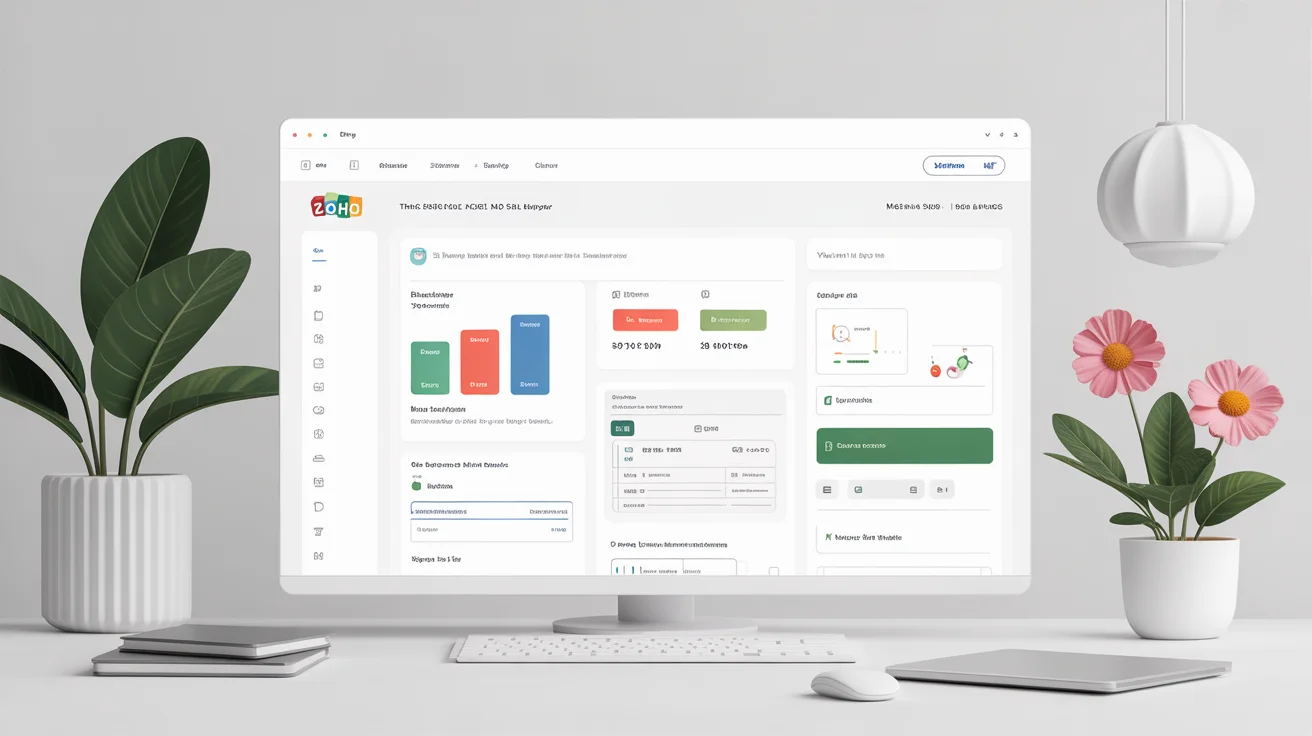
Building a tailored experience with Canvas
Canvas is a visual design studio that lets teams change layouts, labels, and dashboards without code. This customization reduces clutter and puts the right fields in front of reps.
When teams capture consistent data, reporting and analytics reflect real work instead of forced workarounds.
Unified inbox and multichannel engagement
Zoho’s unified inbox pulls telephone, email, live chat, and social messages into one timeline. Centralized interaction history improves customer service response quality and continuity.
Multichannel communication helps teams see context before replying, which shortens response time and reduces duplicated outreach.
Support, learning curve, and selection guideline
Plans start near $14/user/month, with a free tier for up to three users and a 15-day trial. That pricing makes the platform accessible while offering broad features and integrations.
Lean teams should note the learning curve. Upfront configuration discipline prevents over-customizing and costly maintenance later.
Decision tip: choose Zoho when customization and breadth of tools matter more than ultra-simple onboarding. Limited support hours mean teams must plan setup time and rely on documentation during early adoption.
| Area | Why it matters | What to check |
|---|---|---|
| Customization | Makes the interface match workflows | Canvas templates, field controls |
| Multichannel | Consistent customer history | Unified inbox, call/chat sync |
| Support | Speed of problem resolution | Hours, channels, knowledge base |
Best for Communication-First and Local Service Workflows: Podium and Nextiva
Local service and appointment-driven businesses depend on quick, reliable contact with customers. When text and phone interactions drive bookings, tools that centralize messages, reviews, and payments reduce friction and speed revenue.
Podium’s single-inbox approach
Podium brings text, web chat, reviews, and payments into one inbox to shorten response and pay cycles. It includes lead routing, analytics, about 200 integrations, and an API for deeper connections.
Workflow strengths include automatic routing, review requests, and payment links that turn conversations into completed transactions. That improves cash flow and customer experience for service-heavy businesses.
Nextiva for omnichannel voice and messaging
Nextiva unifies phone, SMS, and video with threaded conversations and call-pop context. Teams see sentiment analytics and customer history so callers get personalized responses faster.
This approach suits teams that live on voice and need consistent customer context across channels.
Budget reality check and fit
Podium starts near $399/month for entry tiers and moves higher for Pro plans. Nextiva plans begin around $30.95/user/month (seat-dependent for small teams). Total cost depends on message volume, seats, and channel mix.
These platforms are strong when response time, reviews, and payments are primary growth levers. They may not fit product-led SaaS needing deep product analytics, complex pipelines, or lifecycle marketing.
| Platform | Core strengths | Typical pricing | Best use case |
|---|---|---|---|
| Podium | Single inbox for SMS, chat, reviews, payments; routing; analytics; integrations | Core ~$399/mo; Pro ~$599/mo | Local services, appointment-driven businesses, high inbound text volume |
| Nextiva | Phone/SMS/video; threaded convo; call pop; sentiment analytics | From ~$30.95/user/mo (seat-dependent) | Teams needing strong voice continuity and omnichannel support |
| When not ideal | Limited deep CRM features like product telemetry or lifecycle automation | Costs scale with seats and channels | Product-led SaaS or complex marketing-driven funnels |
Decision guidance: choose a communication-first platform when customer service speed, reviews, and payments drive growth. Confirm integrations and support so the tool fits existing management and automation needs before committing.
Conclusion
Choose a platform that the team will use every day to turn customer interactions into measurable outcomes.
The practical buying rule is simple: the best crm is the one the team adopts, that improves tracking, and that scales without forcing a rebuild. Match choices to current operations, whether founder-led sales, high service volume, or maturing marketing.
Quick fit summary: Salesforce covers scale and governance; HubSpot supports free-first adoption; Pipedrive speeds pipeline clarity; Zoho enables deep customization; Podium and Nextiva suit communication-led workflows.
Next step: shortlist two tools, run a trial, import a handful of real records, and test core workflows in one week. Early adoption saves time and keeps data clean, reducing migration costs later.
Watch metrics in 30–60 days: faster response, fewer dropped leads, improved stage conversion, and better retention. Pick the platform that fits budget and needs today and offers a clear upgrade path for tomorrow’s growth.
FAQs
Why do startups need a CRM early in the business journey?
Startups need a CRM early to turn customer interactions into shared data instead of relying on memory or spreadsheets. A simple system helps the team track sales, follow up consistently, and gain insights that reduce missed opportunities as the business grows.
How does a CRM help teams work better together?
A CRM gives the entire team one shared view of customers, deals, and communication history. This prevents duplicate outreach, improves accountability, and ensures sales, service, and founders are aligned around the same data and next steps.
What features matter most in a CRM for startups?
For startups, the most important features are fast setup, easy contact management, a clear sales pipeline, follow-up reminders, and basic reporting. Advanced features only matter if the team can actually use them daily and see value quickly.
How does CRM data improve sales decisions?
CRM data reveals where deals stall, which leads convert, and which actions drive revenue. These insights help founders forecast more accurately, prioritize the right prospects, and improve sales performance without adding complexity.
Can a CRM improve customer retention, not just sales?
Yes. By storing interaction history and preferences, CRM tools help teams personalize communication for customers. Better personalization leads to stronger relationships, higher retention, and increased lifetime value for the business.
Are free CRM tools good enough for early-stage startups?
Free CRM tools are often ideal for early-stage startups. They allow teams to centralize customer data, manage basic sales workflows, and test adoption before upgrading. The key is choosing a platform with a clear upgrade path as the business scales.
How should a startup choose between different CRM tools?
A startup should choose CRM tools based on how the team actually works today. The best option is one that fits current sales processes, is easy to adopt, keeps customer data clean, and supports growth without forcing a rebuild later.